A small business website is often the first place potential customers go when they want to learn about a company, compare services, or decide whether to get in touch.
But building a professional website is not simply a matter of installing WordPress, choosing a theme, and adding a few pages. A useful business website needs a clear purpose, simple navigation, trustworthy information, responsive design, and a structure that can grow with the business.
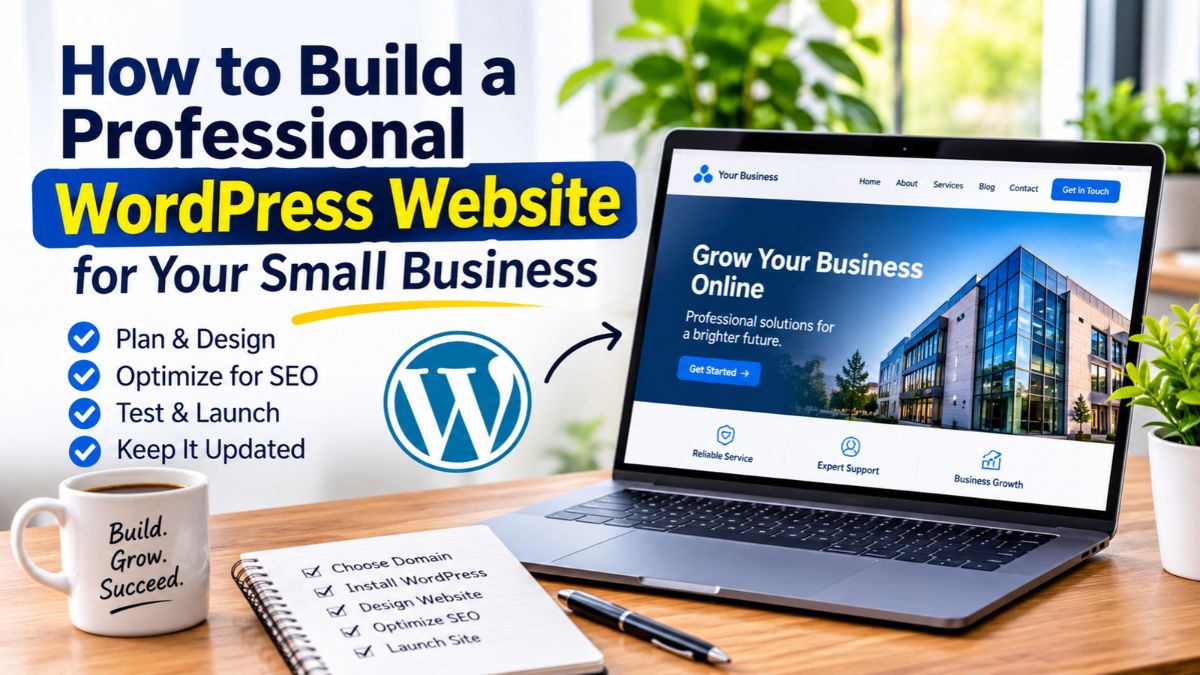
If you are planning to build a WordPress website for your small business, this guide will walk you through the important steps from planning and choosing the right setup to designing, optimizing, testing, and maintaining your website.
Start With a Clear Purpose for Your Website
Before choosing a theme or installing plugins, decide what you want your website to accomplish.
Different businesses have different priorities.
For example, a service-based business may want visitors to request a quote or book a consultation. A local business may want people to find its location and contact information. An online store may focus on product discovery and purchases.
Your website can have several goals, but one or two should be the main focus.
Ask yourself:
- Who is the website for?
- What does my business offer?
- What problem do I solve for customers?
- What should visitors do after visiting the website?
- What information do potential customers need before contacting me?
Having clear answers makes many later decisions easier, including your page structure, content, navigation, and calls to action.
Choose the Right Domain Name and Hosting
Your domain name is your website’s address, while hosting is where the website’s files and database are stored.
For a small business, your domain should ideally be:
- Easy to remember
- Easy to spell
- Relevant to your brand
- Short enough to type comfortably
- Professional and consistent with your business identity
You should also choose hosting based on your actual needs rather than simply selecting the cheapest available plan.
A suitable hosting provider should offer reliable performance, SSL support, backups or backup options, and resources appropriate for your website.
Don’t Forget HTTPS
Your website should use HTTPS rather than an unsecured HTTP connection.
An SSL certificate helps establish an encrypted connection between the visitor’s browser and your website. Modern browsers also expect websites to use HTTPS, particularly when visitors submit forms or provide personal information.
Before launching your website, make sure all important pages load securely and that your WordPress URLs use the correct HTTPS version.
Choose WordPress for the Right Reasons
WordPress is a flexible platform for building and managing many types of websites.
You can use it for a simple business website, a portfolio, a blog, an online store, or a more customized website with additional functionality.
Some advantages include:
- Flexible website structures
- A large ecosystem of themes and plugins
- Easy content management
- Support for eCommerce through WooCommerce
- Extensive customization options
- The ability to expand the website as the business grows
However, WordPress is not automatically the right solution for every business.
The important question is not whether WordPress is popular. The question is whether it fits your website’s requirements, budget, technical needs, and future plans.
For many small businesses that want control over their content and the ability to expand later, WordPress can be a practical choice.
Plan the Essential Pages
A professional business website does not necessarily need dozens of pages. It needs the right pages. The exact structure depends on the business, but most small businesses can start with a core set of pages.
Homepage
The homepage should quickly explain:
- What the business does
- Who it serves
- What makes its offering useful
- What visitors should do next
A visitor should not have to search through several sections just to understand what your business offers.
About Page
The About page gives visitors more context about the people or business behind the website.
Use it to explain your experience, approach, values, background, or other information that helps establish trust.
Avoid turning the page into a long personal biography unless that information is genuinely useful to your audience.
Services or Products Page
If you provide services, explain what you offer and who each service is for.
If you sell products, organize them in a way that makes browsing simple.
For a service business, individual service pages can be useful when each service has different requirements, questions, or customer needs.
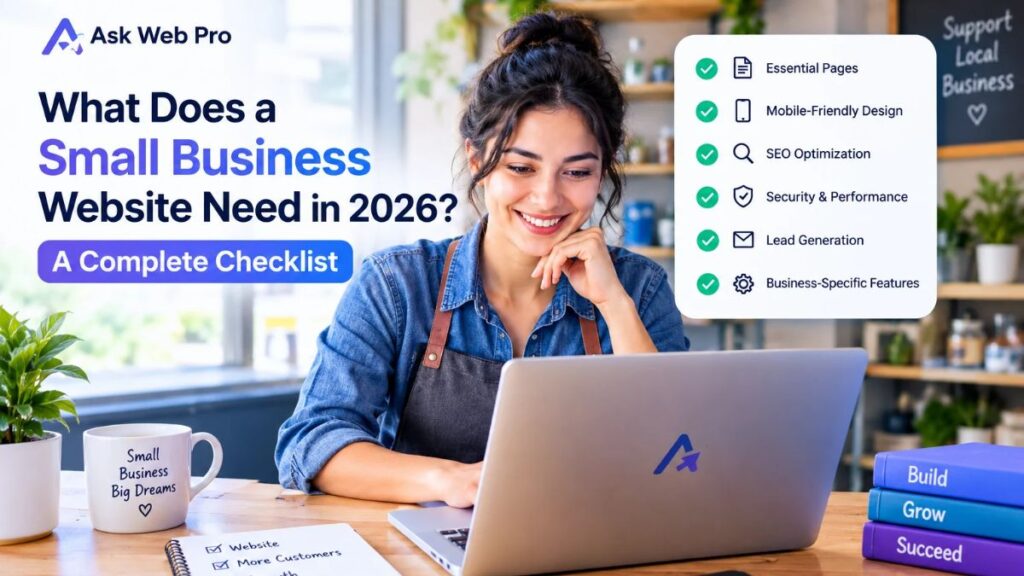
If you are still planning the structure of your business website, this small business website checklist can help you identify the essential pages and information to include.
Contact Page
Make it easy for interested visitors to contact you.
Depending on your business, this could include:
- Contact form
- Email address
- Phone number
- Business location
- Opening hours
- Booking options
Only include contact methods that you actually monitor and can respond to.
Blog or Resources
A blog can help you answer customer questions, demonstrate your knowledge, and provide useful information related to your products or services.
It can also become a long-term source of organic search traffic when you consistently publish genuinely useful content.
However, you do not need to publish content simply to fill a blog.
Quality and usefulness matter more than publishing articles that have little value for your audience.
Privacy Policy and Other Legal Pages
Depending on your business, location, services, and how your website collects or processes information, you may need privacy and other legal pages.
These pages should accurately describe how your website operates.
Do not copy another company’s legal policies and assume they automatically apply to your business.
Choose a WordPress Theme That Fits Your Business
Your theme provides the foundation for the visual presentation of your WordPress website.
But choosing a theme should involve more than looking at a beautiful demo.
Consider:
- Responsive design
- Customization options
- Performance
- Accessibility
- Compatibility with your required plugins
- Support and update history
- Whether unnecessary features can be disabled
A theme with hundreds of features may look impressive, but more features do not automatically mean a better website.
Choose a theme that supports what your business actually needs.
If you are comparing different themes, our guide on choosing the right WordPress theme for your small business website covers the main factors worth considering before making a decision.
Design the Website Around Your Visitors
A professional website should not be designed only around what the business owner likes.
It should also make sense to the people who will use it.
Keep Navigation Simple
Visitors should be able to find important information without guessing where it is located.
A typical navigation structure might include:
Home → Services → About → Portfolio or Projects → Blog → Contact
The exact structure will depend on your business.
Avoid adding every available page to the main navigation. Too many choices can make the menu harder to use.
Create a Clear Visual Hierarchy
Every section does not need to compete for attention.
Use headings, spacing, typography, images, and buttons to guide visitors through the page.
Important information should be easy to notice, while supporting information can remain visually quieter.
Use Readable Typography
Fancy fonts may look attractive in a design mockup but can become difficult to read in real-world use.
Choose fonts that remain comfortable to read on both desktop and mobile devices.
Keep font sizes, line heights, and heading styles consistent throughout the website.
Maintain Consistent Branding
Your colors, typography, buttons, imagery, and overall visual style should feel like parts of the same brand.
Consistency helps the website feel intentional rather than assembled from unrelated sections.
Design for Mobile Visitors
A website that looks excellent on a desktop screen can still provide a poor experience on a phone.
Check:
- Navigation
- Font sizes
- Button sizes
- Section spacing
- Images
- Forms
- Columns
- Horizontal scrolling
Do not assume that a responsive theme automatically means every section is perfectly optimized for mobile.
Review the actual pages on smaller screens before launch.
Add the Features Your Business Actually Needs
One of the strengths of WordPress is the ability to extend a website with plugins.
But that does not mean you should install a plugin for every possible feature.
Depending on your business, you may need:
- Contact forms
- Appointment or booking functionality
- WooCommerce
- Email marketing integration
- Analytics
- Social media links
- SEO tools
- Security features
- Backup solutions
Start with the functionality your visitors actually need.
Avoid Plugin Overload
Installing too many unnecessary plugins can make your website harder to maintain.
Before adding a plugin, ask:
- Do I actually need this feature?
- Can my existing setup already handle it?
- Is the plugin maintained and compatible with my WordPress version?
- Will it add unnecessary complexity?
- What happens if I remove it later?
A smaller, well-maintained plugin stack is often easier to manage than a website filled with features that are rarely used.
Make Your WordPress Website Search-Friendly
Search engine optimization should be considered while building the website, not only after everything is finished.
You do not need to make every sentence sound like it was written for a search engine.
Instead, make the website easy for both visitors and search engines to understand.
Use Clear Page Titles
Each important page should have a clear and descriptive title that reflects what the page is about.
For example, a service page should clearly identify the service rather than using a vague title such as “What I Do.”
Use a Logical Heading Structure
Use headings to organize your content.
Your main page title should normally be the H1, followed by appropriate H2 and H3 headings for sections and subsections.
Headings should describe the content that follows them.
Create Useful URLs
Keep URLs short, descriptive, and understandable.
For example:
example.com/wordpress-website-design/
is generally clearer than a URL containing unnecessary numbers or unrelated characters.
Write Helpful Content
Your website content should answer real questions and explain your services clearly.
Avoid creating pages that exist mainly to repeat keywords.
If a visitor finishes reading a page and understands what you offer, who it is for, and what to do next, the content is doing its job.
Use Internal Links Naturally
Internal links help visitors discover related information and move through your website.
For example, someone researching the cost of a WordPress website may also benefit from reading a detailed pricing guide.
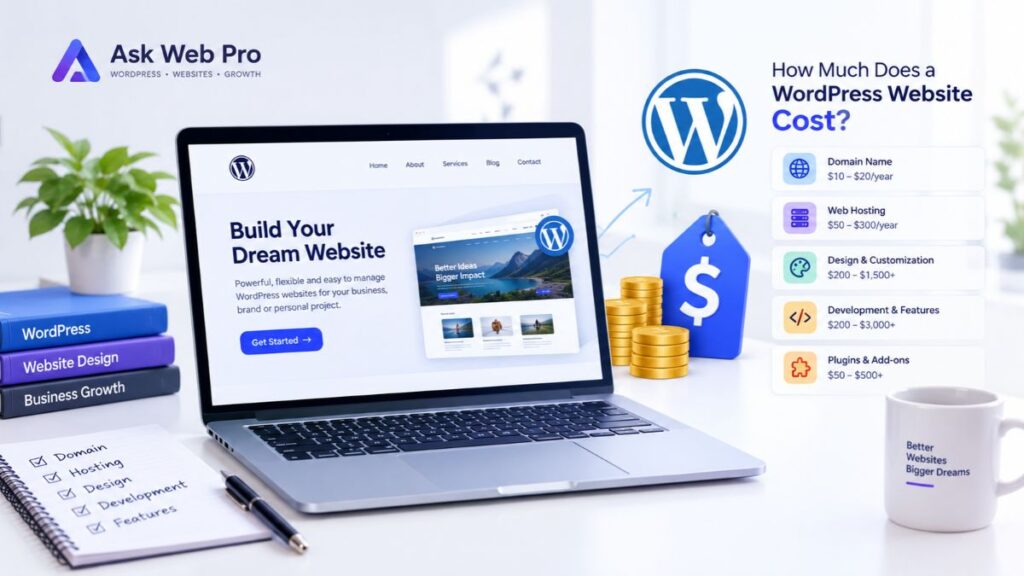
If you are planning your website budget, this guide explains how much a WordPress website costs and the factors that can affect the final price.
Internal links should be added because they help the reader not simply because you want to increase the number of links on the page.
Optimize Images
Images can improve the visual quality of a website, but unnecessarily large image files can affect loading performance.
Before uploading images:
- Use an appropriate format
- Resize images when necessary
- Compress large files
- Use meaningful filenames where practical
- Add useful alternative text when the image conveys information
Image optimization should support both performance and accessibility.
Test Your Website Before Launch
A website is not finished simply because all the pages have been designed.
Before launching, go through the website as if you were a first-time visitor.
Small Business Website Launch Checklist
Content
- Business information is accurate
- Services and products are clearly explained
- Contact details are correct
- Spelling and grammar have been reviewed
- Important legal pages are available
Navigation
- Main menu works
- Buttons lead to the correct destinations
- Internal links work
- Logo links to the homepage
- Footer links work
Forms
- Contact forms submit successfully
- Required fields work correctly
- Confirmation messages appear
- Email notifications are received
Mobile
- Pages work on phones
- Text is readable
- Buttons are easy to tap
- Images fit the screen
- No unwanted horizontal scrolling appears
Technical
- HTTPS works correctly
- WordPress and plugins are updated
- Unnecessary plugins are removed
- Backups are available
- Important pages load correctly
SEO
- Page titles are descriptive
- Meta descriptions are appropriate
- URLs are clean
- Headings are structured logically
- Images have appropriate alt text where needed
- Search engine visibility settings have been reviewed
Testing these details before launch can prevent many small problems from becoming frustrating problems later.
Keep Your Website Updated After Launch
Launching your website is the beginning of its maintenance, not the end.
WordPress websites need ongoing attention.
Regular maintenance may include:
- Updating WordPress
- Updating plugins and themes
- Checking website functionality
- Maintaining backups
- Reviewing security
- Monitoring performance
- Updating outdated content
- Checking forms and important links
Regular WordPress website maintenance can help you keep the site functional, secure, and up to date.
If your existing website has become outdated or no longer represents your business properly, a WordPress website redesign may be worth considering instead of continuing to patch the same problems.
You should also review your website from time to time as your business changes.
A service you no longer offer should not remain prominently displayed. A new service should not be hidden simply because the website was never updated after launch.
Your website should evolve with the business.
Should You Build Your Small Business Website Yourself or Hire a Professional?
WordPress makes it possible for many people to create a website without writing code.
For a simple website, a DIY approach can be a useful learning experience and may help you keep initial costs under control.
However, building a website and building an effective business website are not always the same thing.
You may want professional help when:
- You need a custom design
- Your website needs complex functionality
- Your existing website has technical problems
- You need a redesign
- You are building an online store
- You want to improve the user experience
- You do not have enough time to manage the project yourself
- You want someone to handle the technical details
If you decide to hire a WordPress professional, do not choose based only on price.
Look at their previous work, communication style, technical experience, understanding of your requirements, and ability to explain the proposed solution clearly.
A good developer should be able to tell you not only what they can build, but also why a particular approach makes sense for your website.
If you are comparing website development costs, this WordPress website cost and pricing guide can also help you understand what may influence the final project price.
Frequently Asked Questions
Is WordPress good for a small business website?
Yes. WordPress can be a practical choice for many small businesses because it is flexible, customizable, and suitable for different types of websites. The right setup depends on the business’s requirements and how the website will be managed.
How many pages does a small business website need?
There is no universal number. Many businesses can start with a homepage, About page, Services or Products page, Contact page, and relevant legal pages. A blog, portfolio, FAQ, or additional service pages can be added when they provide genuine value.
Can I build a WordPress website myself?
Yes. WordPress and page builders make DIY website creation possible for many people. However, more complex websites may require professional design, development, troubleshooting, or optimization.
What should a professional business website include?
At minimum, it should clearly explain what the business does, who it serves, what it offers, and how visitors can take the next step. It should also provide a good experience across desktop and mobile devices.
How long does it take to build a WordPress website?
The timeline depends on the number of pages, design requirements, content availability, functionality, revisions, and other project requirements. A simple website can be completed much faster than a highly customized website or online store.
Should a small business have a blog?
A blog can be useful when the business has genuinely helpful information to share. It can answer customer questions, demonstrate expertise, support SEO, and create additional entry points for people searching online.
However, publishing low-quality articles simply to have a blog is unlikely to provide the same value as publishing useful, relevant content.
How much does a small business WordPress website cost?
The cost varies depending on the website’s design, functionality, number of pages, content requirements, integrations, and development work involved.
There is no single price that applies to every small business website. If you are comparing options, focus on what is included in the project rather than looking only at the headline price.
For a more detailed breakdown, see the WordPress website cost and pricing guide.
Final Thoughts
Building a professional WordPress website for a small business starts with planning, not with choosing a theme.
First, understand what the website needs to accomplish. Then plan the right pages, choose a suitable WordPress setup, create a user-friendly design, add only the functionality you need, and make sure the website works properly before launch.
After launch, continue maintaining and improving the website as your business grows.
A successful business website does not need to be complicated. It needs to be useful, trustworthy, easy to navigate, and aligned with the needs of the people you want to reach.
If you are planning a new WordPress website or thinking about improving an existing one, taking the time to get the foundation right can make the entire project easier to manage in the long run.
If you need professional help with your project, explore WordPress Website Design or Contact Ask Web Pro to discuss your requirements.